Signature missing
Describe the bug
Once a signature has been submitted, it can no longer be viewed under “Submissions.” Not found
To reproduce
Steps to reproduce the behavior:
Fill form with signature
Go to Submissions
Click on Signature of submission
See error
Expected behavior
See the Submissioned Signature
Screenshots
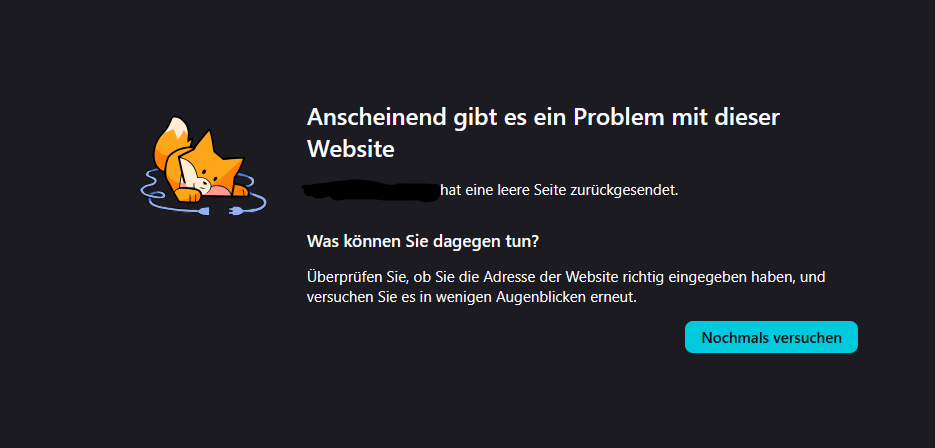
Environment (please complete the following information):
Environment
Docker
Browser
Firefox
OpnForm version
1.13.1
Log in to comment and vote
Comments4
Archie
Apr 28
Hi There,
Sorry to hear about this. Can you please reach out to our live chat support and share the form URL so we can investigate this further?
Best,
Jkobs
Apr 28
Hi,
Should I do that too if the error occurs in the self-hosted Docker instance, as mentioned above?
Archie
Apr 30
Thank you for your response. I suggest to please reach out and share a video recording.
Jkobs
May 2
I hope the video shows what you want to see