📄 Generate PDFs from Form Submissions
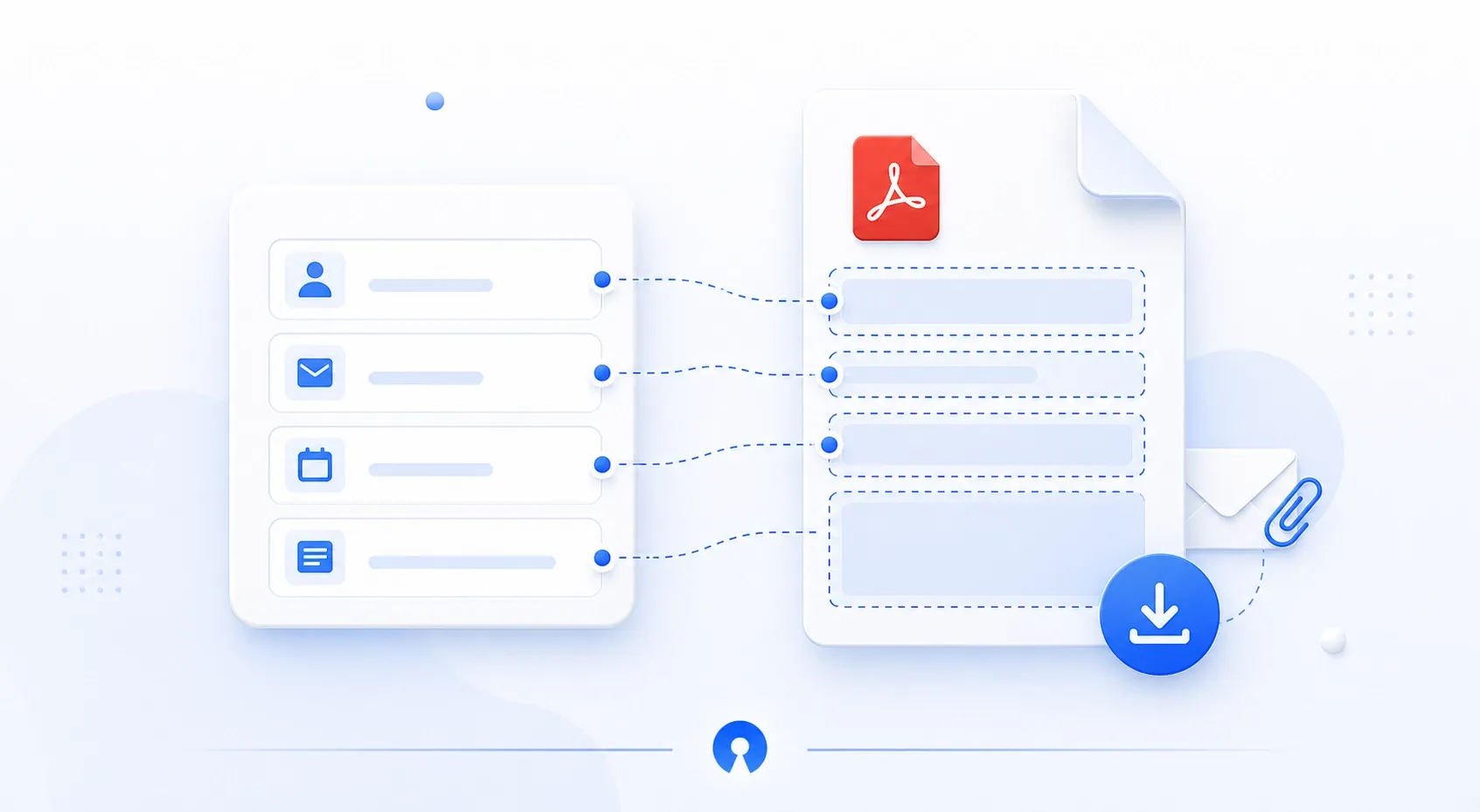
You can now create PDF documents directly from OpnForm submissions.
Upload an existing PDF template or create one from scratch, then map form answers into the document using the PDF editor. Once your template is ready, PDFs can be generated from submissions, previewed, downloaded, offered to respondents on the success page, or attached to notification emails.
This is useful for contracts, certificates, quotes, invoices, application files, and any workflow where a submission needs to become a polished document.
Add PDF templates from the new PDF Templates page.
Map form fields into PDF zones with the visual editor.
Let respondents download a PDF after submitting.
Attach generated PDFs to email notifications.
1 comment