Easily copy submission edit links from your Submissions page 🔗
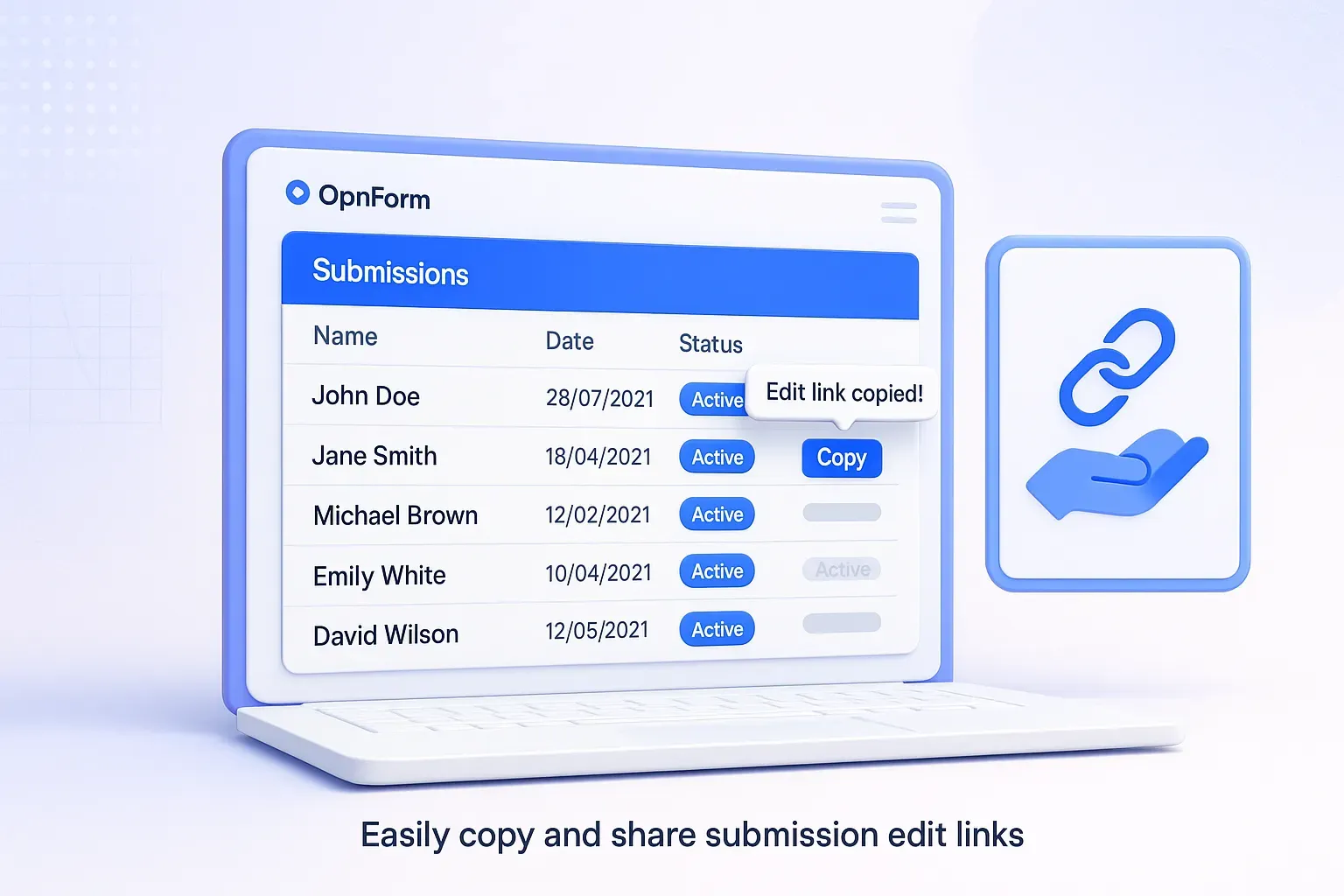
You can now copy the edit link for any form submission directly from your Submissions page in OpnForm. Each entry now includes a simple “Copy” button, so you can quickly retrieve and share a respondent’s edit link — no need to search through emails or ask them to resubmit.
This update makes it easier to help respondents edit or update their submissions anytime, especially if they’ve lost their original edit link.
Example: A respondent says they need to fix a typo but can’t find their edit link. Just open your form’s Submissions page, click Copy next to their entry, and send the link back — done in seconds.
✅ Saves time for both form owners and respondents
✅ Simplifies managing and updating submissions
✅ Improves support and user experience
For detailed steps, visit our help guide:
📖 How to allow respondents to edit their form submission?
⚙️ Minor Improvements
🧠 Fix: Phone Input Theme Issue
The Phone Input component now dynamically adjusts to your active theme for improved consistency and visual polish. Enjoy a cleaner, more responsive layout across both minimal and standard themes.
🧩 Drag New Fields to the Form Fields Editor
You can now drag and drop new fields directly where you want them in the Form Fields Editor — just like when previewing fields. Click “Add Block,” choose your input type, then click, hold, and drag to place it exactly where it belongs.
📖 Learn more: How do I add new blocks exactly where I want them (not at the bottom by default)? →