Reuse PDF templates across your forms
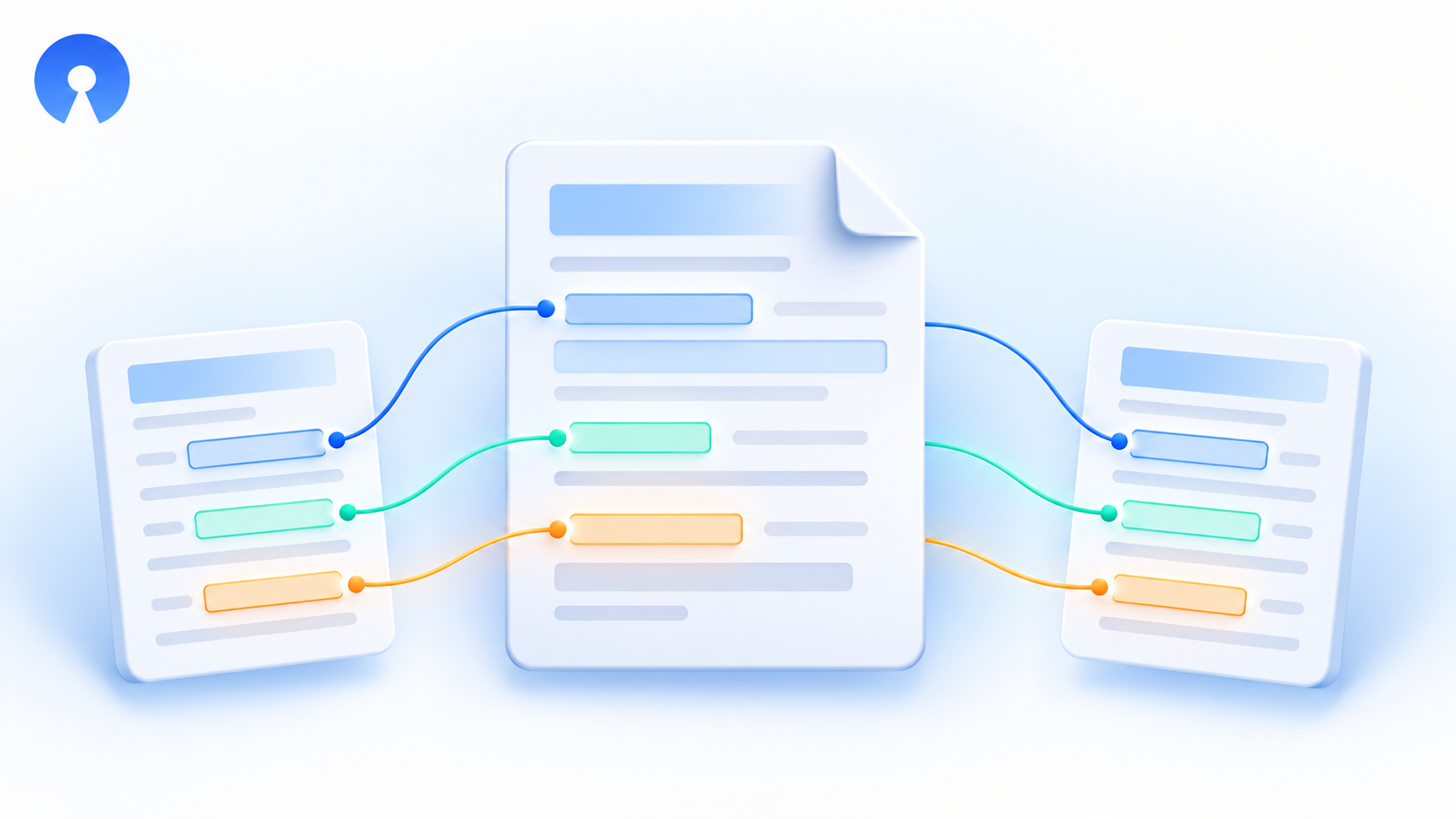
You can now reuse a PDF template in the same form or another form in your workspace, instead of rebuilding its layout from scratch.
The copy keeps your pages, static text, images, layout, filename settings, and branding settings. When copying to another form, OpnForm suggests matching fields and lets you review every mapping or skip fields that do not belong in the new document.
How to use it
- Open your form's PDF Templates page.
- Open the template's menu and select Duplicate template.
- Enter a Template name and choose the Destination form.
- For a different form, review each destination-field mapping or choose Skip this field.
- Select Duplicate template to open the independent copy in the editor, then review and save it.
Both forms must be in the same workspace and you need edit access to both. Duplicating a template keeps the original intact; integrations and respondent download selections are not automatically reassigned to the copy.
The PDF editor also explains when template zones refer to deleted form fields, helping you clean up outdated mappings before saving.